
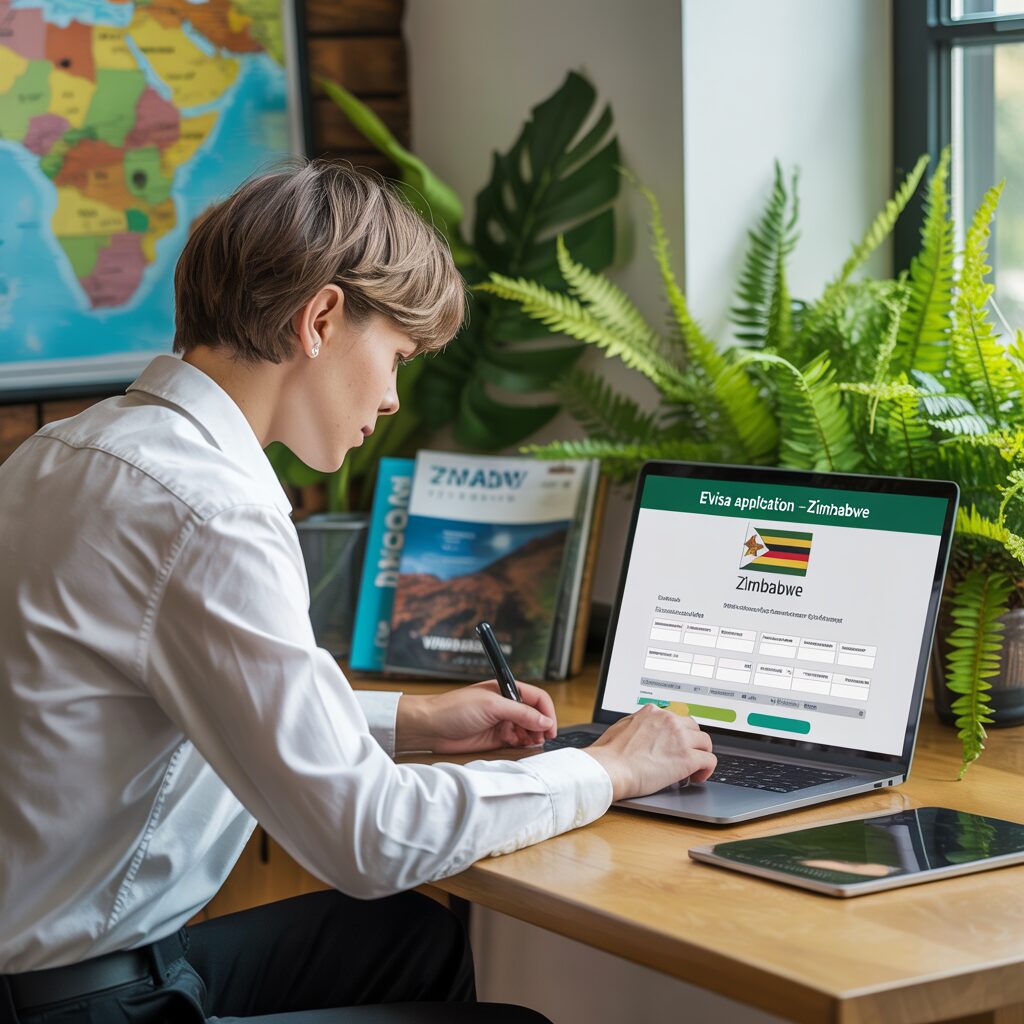
Applying for a Zimbabwe eVisa takes approximately 20 minutes at evisa.gov.zw. Follow 6 straightforward steps: create an account → fill the application form → upload documents → pay $30 → wait 3–7 working days → print your Letter of Authority. This guide walks you through every step of the Zimbabwe eVisa application process for 2026.
Before You Apply — Zimbabwe eVisa Eligibility Check
Zimbabwe eVisa is available for approximately 118 nationalities — check whether your country requires an eVisa before applying, as Category A nationals enter Zimbabwe visa-free. Applying for a Zimbabwe eVisa when you don’t need one is a wasted $30 — so check your eligibility first.
- Category A (Visa-Free): South Africa, Zambia, Botswana, Kenya, Tanzania — no Zimbabwe eVisa needed.
- Category B (Optional eVisa): USA, UK, Germany, France, Australia, Canada, Japan — Zimbabwe eVisa recommended but visa on arrival is also available.
- Category C (eVisa Required): India, China, Pakistan, Philippines, Bangladesh — you must have an approved Zimbabwe eVisa before boarding.
Check your country’s category on the official Zimbabwe eVisa portal. See also: Zimbabwe eVisa requirements and documents.
How to Apply for Zimbabwe eVisa — 6-Step Process
The complete Zimbabwe eVisa application takes about 20 minutes online at evisa.gov.zw — here is every step explained clearly so you get it right the first time. Before you start, have your passport, passport photo (white background), travel itinerary, and accommodation booking ready.
Step 1 — Create Your Account on evisa.gov.zw
Go to evisa.gov.zw and click „Start the Process.“ Select „No account yet?“ to register. Use a valid email address that you check regularly — this is where your Zimbabwe eVisa decision and Letter of Authority will be sent. Choose a strong password and verify your email before proceeding.
Step 2 — Fill In the Application Form
Complete the Zimbabwe eVisa application form with your personal details: full name (exactly as on passport), date of birth, nationality, passport number and expiry date, intended travel dates, purpose of visit, and your accommodation address in Zimbabwe. Double-check all entries — errors here cause delays and there is no refund if your application is rejected due to incorrect information.
Step 3 — Upload Required Documents
Upload the following documents for your Zimbabwe eVisa application:
- Passport bio page scan (PDF or JPG, clear and full-colour)
- Digital passport photo (white background, 35×45mm, no glasses)
- Supporting documents based on your visa type (business letter, conference invitation, etc.)
File size limits apply — compress large PDF files before uploading. See the full Zimbabwe eVisa document requirements.
Step 4 — Pay the Zimbabwe eVisa Fee
Pay the Zimbabwe eVisa fee by Visa or Mastercard. The standard fee is $30 USD for a single-entry tourist eVisa. The fee is non-refundable once paid, even if your application is rejected. Only pay on the official evisa.gov.zw portal — third-party services charge up to $110 for the same Zimbabwe eVisa.
Step 5 — Wait for Processing (3–7 Working Days)
After payment, your Zimbabwe eVisa application enters the processing queue. Standard processing takes 3–7 working days. Check your email (including spam/junk folder) daily. You can also track your Zimbabwe eVisa application status by logging back into evisa.gov.zw and viewing your application dashboard.
| Processing Option | Time | Recommended Apply By |
|---|---|---|
| Standard Processing | 3–7 working days | 2+ weeks before travel |
| Peak Season | Up to 10 working days | 3+ weeks before travel |
Step 6 — Print Your Letter of Authority
When your Zimbabwe eVisa is approved, you receive a Letter of Authority as a PDF email attachment. Print this document in colour and carry a physical copy when you travel. Present the Letter of Authority at your Zimbabwe port of entry alongside your passport. Digital copies on phones may not be accepted at all border crossings.
Zimbabwe eVisa Processing Time & Status Tracking
Zimbabwe eVisa standard processing takes 3–7 working days — apply at least 2 weeks before departure and track your application status on evisa.gov.zw. Processing times can extend during peak travel periods such as December-January and July-August (African safari season).
To check your Zimbabwe eVisa status:
- Log in to your account on evisa.gov.zw
- Navigate to „Track Your Application“ from the main menu
- Enter your application reference number
- View current status: Pending, Under Review, Approved, or Rejected
If your Zimbabwe eVisa application shows „Under Review“ for more than 10 working days, contact the Zimbabwe Department of Immigration via the official portal for a status update.
Common Mistakes When Applying for Zimbabwe eVisa
The most common Zimbabwe eVisa rejection reasons include incorrect photo background, expired passport, and mismatched travel dates — avoid them with this checklist. Most Zimbabwe eVisa rejections are preventable if you carefully review your application before submission.
- ❌ Photo on non-white background — use a plain white background only
- ❌ Passport expiring within 6 months — renew passport before applying for Zimbabwe eVisa
- ❌ Travel dates mismatched — ensure your itinerary matches the dates on your eVisa application
- ❌ Name not matching passport — enter your name exactly as it appears on your passport
- ❌ Low-resolution document scans — use clear, high-resolution scans (300 DPI recommended)
- ❌ Applying too late — allow 2+ weeks for Zimbabwe eVisa processing
Arriving in Zimbabwe — Using Your Zimbabwe eVisa
Present your printed Letter of Authority at your Zimbabwe port of entry — digital copies on phones may NOT be accepted at all borders. Your Zimbabwe eVisa is linked to your specific passport and port of entry. Make sure you arrive at the border crossing listed on your eVisa application.
Major Zimbabwe eVisa entry points:
- ✈️ Harare Robert Gabriel Mugabe International Airport — main international gateway
- ✈️ Victoria Falls International Airport — popular for safari and Falls visitors
- 🚌 Beitbridge Border Post — land crossing from South Africa
- 🚌 Chirundu Border Post — land crossing from Zambia
Check the Zimbabwe eVisa fees before starting your application. Have questions about required documents? See the full Zimbabwe eVisa requirements guide.